AI Content Generator Pro

Product Details
Description
What it does
AI Content Generator Pro adds a dedicated generation panel to your WordPress admin. You provide a product name, topic, or image — the plugin calls the AI provider you have configured and returns structured, ready-to-use content. No copy-pasting between browser tabs, no external SaaS dashboard, no per-word subscription on top of your license.
All AI requests go directly from your server to Anthropic or OpenAI. Your content never passes through XaniaCode infrastructure.
Generation modes
Product descriptions Enter a product name, optional keywords, tone, and product type (physical or digital). The plugin returns a structured result: full description, short description, product attributes, tags, SEO title, meta description, and a SKU suggestion — all in one request.
Blog articles Enter a topic, keywords, tone, and article type. Output includes the article title, excerpt, full body content, section outline, tags, suggested categories, SEO title, meta description, focus keywords, URL slug, estimated read time, and a CTA suggestion.
Translations Paste any existing content and select a target language. The plugin translates it using the configured AI model. Over 13 languages are supported.
SEO title suggestions Enter a topic and an optional focus keyword. The plugin returns optimized title variants with character-count validation baked in.
Vision AI — image to product listing Upload a product photo (JPEG, PNG, WebP, or GIF, up to 10 MB). The plugin sends it to the vision-capable model of your choice and returns a complete product listing: name, category, full and short descriptions, key features, attributes, tags, SEO title, meta description, estimated price range, condition, target audience, and a SKU suggestion. No text input required.
AI providers and models
The plugin supports two providers simultaneously. You configure one as the default for text generation; Vision AI lets you choose provider per request.
Anthropic Claude
- Claude Sonnet 4.6 (default — recommended balance of speed and quality)
- Claude Opus 4.6 (highest capability)
- Claude Haiku 4.5 (fastest, lowest cost per request)
OpenAI GPT
- GPT-5.4, GPT-5.4 Mini, GPT-5.4 Nano
- GPT-4o, GPT-4o Mini
- GPT-4.1, GPT-4.1 Mini
You are not locked into one provider. Switch at any time in the plugin settings without reinstalling or losing your configuration.
Security
Encrypted API key storage
API keys are encrypted at rest using AES-256-CBC with HMAC before being written to the WordPress database. If you prefer to keep keys out of the database entirely, define them as PHP constants in wp-config.php — the plugin reads constants first and falls back to the database.
Rate limiting A per-user rolling rate limit applies to all generation endpoints. The default is 30 requests per minute. You can set it between 5 and 120 in the plugin settings. Unlicensed or unauthorized requests do not consume quota.
Vision upload validation
Uploaded images are validated against their real MIME type server-side using getimagesizefromstring. Renaming a non-image file to .jpg does not bypass the check. Oversized payloads are rejected before decoding.
No data leaves your server unexpectedly The plugin contacts XaniaCode servers only for license validation and update checks. All generation requests go directly from your WordPress install to Anthropic or OpenAI.
Interface
The admin panel uses three CSS modes — Light, Dark, and Inherit (follows WP admin). Generated output is rendered field by field with individual copy buttons and a global Copy All action. The Vision tab includes a drag-and-drop upload area with live image preview, fully keyboard-accessible. The interface is responsive down to mobile widths.
Requirements
| WordPress | 5.6 or higher (tested up to 6.9) |
| PHP | 8.2 or higher |
| API keys | Your own Anthropic and/or OpenAI keys |
| Multisite | Not confirmed — test before deploying |
| Page builders | Theme-independent; no frontend output |
License and support
- Payment: One-time, no recurring fees
- License scope: Single production domain (dev/staging on the same root domain included)
- Updates: Lifetime, delivered via the standard WordPress Plugins screen
- Support: 6 months of direct developer support included, renewable after
- Trial: 14-day full-feature trial available
Changelog highlights — v1.0.1
The current release is a security and UX patch over the initial 1.0.0 launch. Key changes: XC License Manager upgraded to v2.1 with activation rate-limiting; AJAX pipeline reordered so unlicensed requests no longer consume rate-limit quota; structural base64 validation added to Vision uploads before decode; all inline styles removed from templates (CSP-friendly); Vision dropzone is now fully keyboard-accessible; mobile and tablet breakpoints added.
Guide: How to Get Your API Keys and What It Costs
What an API key is and why you need one
The plugin does not include access to Claude or GPT. It connects to your own Anthropic or OpenAI account using an API key — a unique string that authorizes requests from the plugin and bills them directly to your account. You pay Anthropic or OpenAI directly, based on actual usage. XaniaCode takes no cut of those costs.
Both providers work on a pay-as-you-go model: no mandatory monthly subscription, you pay exactly what you consume, billed by the token.
What a token is
A token is a chunk of text — roughly 3–4 characters or 0.75 words in English. As a practical reference:
- 1,000 tokens ≈ 750 words
- A complete product description (input + output) = ~1,000–1,500 tokens
- A full blog article (input + output) = ~2,000–3,000 tokens
Prices are listed per million tokens (MTok). At the scale of an individual user, the cost per request is in the range of fractions of a cent.
1. Anthropic — API key for Claude
Where to create your account:
👉 https://platform.anthropic.com
Steps:
- Go to
platform.anthropic.comand create an account (email + password or Google sign-in). - Verify your email address.
- In the dashboard, go to Settings → API Keys → Create Key.
- Copy the generated key (starts with
sk-ant-...) — you cannot view it again after closing the dialog. - Add a credit card under Billing → Payment methods to enable paid usage.
- Optionally set a monthly spending limit under Billing → Limits to avoid surprises.
- Paste the key into the plugin: AI Content Gen → Settings → Anthropic API Key.
Note: Anthropic does not offer a permanent free API tier for production use. Some regions receive a small amount of trial credit on new accounts (~$5 — check at sign-up). Without a card on file, requests will fail once any initial credit is exhausted.
Anthropic pricing — models available in the plugin
All prices are per million tokens (MTok), USD, verified April 2026.
| Model | Input / MTok | Output / MTok | Context | Best for |
|---|---|---|---|---|
| Claude Haiku 4.5 | $1.00 | $5.00 | 200K | High volume, translations, SEO titles |
| Claude Sonnet 4.6 (default) | $3.00 | $15.00 | 1M | Product descriptions, articles — best balance |
| Claude Opus 4.6 | $5.00 | $25.00 | 1M | Complex articles, highest output quality |
The Anthropic Batch API offers 50% off all models for asynchronous processing (results within 24 hours). Prompt caching reduces cached input token costs by up to 90%. Finout
2. OpenAI — API key for GPT
Where to create your account:
👉 https://platform.openai.com
Steps:
- Go to
platform.openai.comand create an account. If you already have a ChatGPT account you can use the same email — but the platform account (API) is completely separate from a ChatGPT subscription. A ChatGPT Plus subscription does not give you API access. - Go to API Keys → Create new secret key.
- Copy the key (starts with
sk-...). - Add a credit card under Billing → Payment methods.
- Optionally set a monthly usage limit under Billing → Limits.
- Paste the key into the plugin: AI Content Gen → Settings → OpenAI API Key.
Note: A ChatGPT Plus subscription ($20/month) and API access are entirely separate billing systems. You can subscribe to ChatGPT Plus and still be billed separately for API usage, or vice versa.
OpenAI pricing — models available in the plugin
| Model | Input / MTok | Output / MTok | Context | Best for |
|---|---|---|---|---|
| GPT-5.4 | $2.50 | $15.00 | 270K | Flagship — complex reasoning |
| GPT-5.4 Mini (recommended default) | $0.75 | $4.50 | 270K | General production — best price-to-quality ratio |
| GPT-5.4 Nano | $0.20 | $1.25 | 270K | High volume, simple tasks |
| GPT-4o | $2.50 | $10.00 | 128K | Stable alternative to GPT-5.4 |
| GPT-4o Mini | $0.15 | $0.60 | 128K | Cheapest vision-capable model |
| GPT-4.1 | $2.00 | $8.00 | 1M | Long context, large documents |
| GPT-4.1 Mini | $0.40 | $1.60 | 1M | Long context at reduced cost |
GPT-5.4 Mini at $0.75 input is one of the most competitive mid-tier models on the market. GPT-5.4 Nano at $0.20 undercuts nearly every proprietary alternative. CloudZero
Real cost per request — what this means in practice
The estimates below use Sonnet 4.6 and GPT-5.4 Mini as the reference point (the recommended defaults in the plugin). Image tokens for Vision AI are additional and depend on image resolution.
| Request type | Estimated tokens | Haiku 4.5 | Sonnet 4.6 | GPT-5.4 Mini | GPT-5.4 Nano |
|---|---|---|---|---|---|
| Product description | ~1,300 tok | ~$0.005 | ~$0.016 | ~$0.005 | ~$0.002 |
| Blog article | ~2,500 tok | ~$0.010 | ~$0.030 | ~$0.009 | ~$0.002 |
| Translation (500 words) | ~1,500 tok | ~$0.006 | ~$0.018 | ~$0.005 | ~$0.001 |
| SEO title (5 variants) | ~400 tok | ~$0.002 | ~$0.005 | ~$0.001 | <$0.001 |
| Vision AI (product photo) | ~1,500 tok + image | ~$0.008 | ~$0.022 | ~$0.007 | ~$0.002 |
Estimated monthly cost — typical scenarios
| Scenario | Volume | Recommended model | Estimated cost / month |
|---|---|---|---|
| Small shop — product descriptions | 50 products/month | Sonnet 4.6 | ~$0.80 |
| Active blogging | 20 articles/month | Sonnet 4.6 | ~$0.60 |
| Agency — large catalog | 500 descriptions/month | Haiku 4.5 or GPT-5.4 Mini | ~$2.50–$4.00 |
| High volume + Vision AI | 1,000 requests/month | GPT-5.4 Nano or Haiku 4.5 | ~$2.00–$5.00 |
| Heavy mixed usage | 2,000 requests/month | Sonnet 4.6 | ~$25–$40 |
For an individual user or small shop, monthly API costs will stay well under $5 in the vast majority of cases. Costs scale linearly — double the volume, double the bill.
Tips for keeping costs under control
Match the model to the task. You do not need Opus 4.6 or GPT-5.4 for translations or SEO titles. Haiku 4.5 or GPT-5.4 Nano handle those at a fraction of the cost.
Set spending limits. Both providers let you set a monthly hard cap in the billing dashboard. If you reach the limit, requests are blocked automatically — no surprises on your invoice.
Monitor usage in real time. Anthropic: plarform.anthropic.com/usage. OpenAI: platform.openai.com/usage. Both dashboards show consumption per model and per day.
Never expose your key. You enter the API key once in the plugin settings. The plugin encrypts it before storing it in the WordPress database. Do not publish it in code, do not send it by email, do not paste it in a support ticket.
You only need one provider to start. The plugin works with either Anthropic or OpenAI independently. You do not need both. Add a second provider later if you want to compare output quality or cost.
Useful links
| Action | URL |
|---|---|
| Create Anthropic account | platform.anthropic.com |
| Anthropic official pricing | anthropic.com/pricing |
| Anthropic API docs | platform.claude.com/docs |
| Create OpenAI account | platform.openai.com |
| OpenAI official pricing | openai.com/api/pricing |
| OpenAI API docs | platform.openai.com/docs |
| Anthropic billing | platform.anthropic.com/settings/billing |
| OpenAI billing | platform.openai.com/settings/organization/billing |
Prices are subject to change. Always verify against the official pricing pages before making production budget decisions.
Changelog
Maintenance release focused on hardening the licensing system, tightening the AJAX request pipeline, and removing inline styles for a cleaner, accessible, fully responsive admin UI.
- AJAX pipeline
- Reordered request pipeline so unlicensed users no longer consume rate-limit quota
- Added structural base64 validation on Vision uploads before decode
- Guard against oversized POST payloads on Vision endpoint
- Redact helper prevents edge-case leakage when API keys are empty
- Loaded wp_delete_file() dependency explicitly during activation
- Anthropic refusal responses now surface as a distinct error
- FileReader errors in Vision tab no longer fail silently
- Vision provider → model filter disables hidden options for browser compatibility
- UI & accessibility
- Removed all inline styles from templates and Vision renderer
- Added :focus-visible rings on tabs, buttons, inputs and dropzone
- Vision dropzone is now keyboard-activatable with Enter or Space
- All decorative SVG icons marked aria-hidden
- Explicit aria-selected on every tab button
- Responsive design
- New mobile breakpoint under 480px with compacted header and full-width tabs
- New tablet breakpoint between 481 and 768px
- Dark mode refinements for Vision preview and license status badges
- Code quality
- Vision renderer rewritten with DOM API — zero innerHTML with user content
- Shared UI helpers exposed on window.AICG_UI for reuse across tab modules
- Consistent dataType:json on all AJAX requests
- Dead code: AICG_BASENAME constant and unused --aicg-mode CSS variable
- Redundant is_writable check in legacy cleanup routine
First public release of AI Content Generator Pro. Generates structured product listings, blog articles, translations, SEO titles, and Vision AI image analysis — powered by Claude AI and OpenAI.
- Content generation
- Product descriptions with structured JSON output and attribute tables
- Article and blog post generator with full SEO metadata
- Translation across 13+ languages
- SEO title suggestions with character-count validation
- Vision AI image analyzer for automatic product listing creation
- Providers & models
- Dual-provider support: Anthropic Claude and OpenAI GPT
- Claude Sonnet 4.6, Opus 4.6, Haiku 4.5 families
- GPT-5.4, GPT-4o, GPT-4.1 families with reasoning-model awareness
- Per-request provider selection on Vision tab
- Security & licensing
- Encrypted API key storage at rest (AES-256-CBC with HMAC)
- Optional AICG_ENCRYPTION_KEY constant for salt-rotation survival
- Per-user rate limiting on generation endpoints
- XC License Manager integration with 14-day trial
- Strict allowlist validation on vision provider and model
- MIME sniffing via getimagesizefromstring on uploaded images
- UI
- Three CSS modes: Light, Dark, Inherit WP admin
- Structured JSON rendering with per-field copy buttons
- Global Copy All action on generated output
- Drag-and-drop Vision upload with live preview
Frequently Asked Questions
Reviews
No reviews yet. Be the first to review this product!
AI Content Generator Pro
Product Details
Related Products
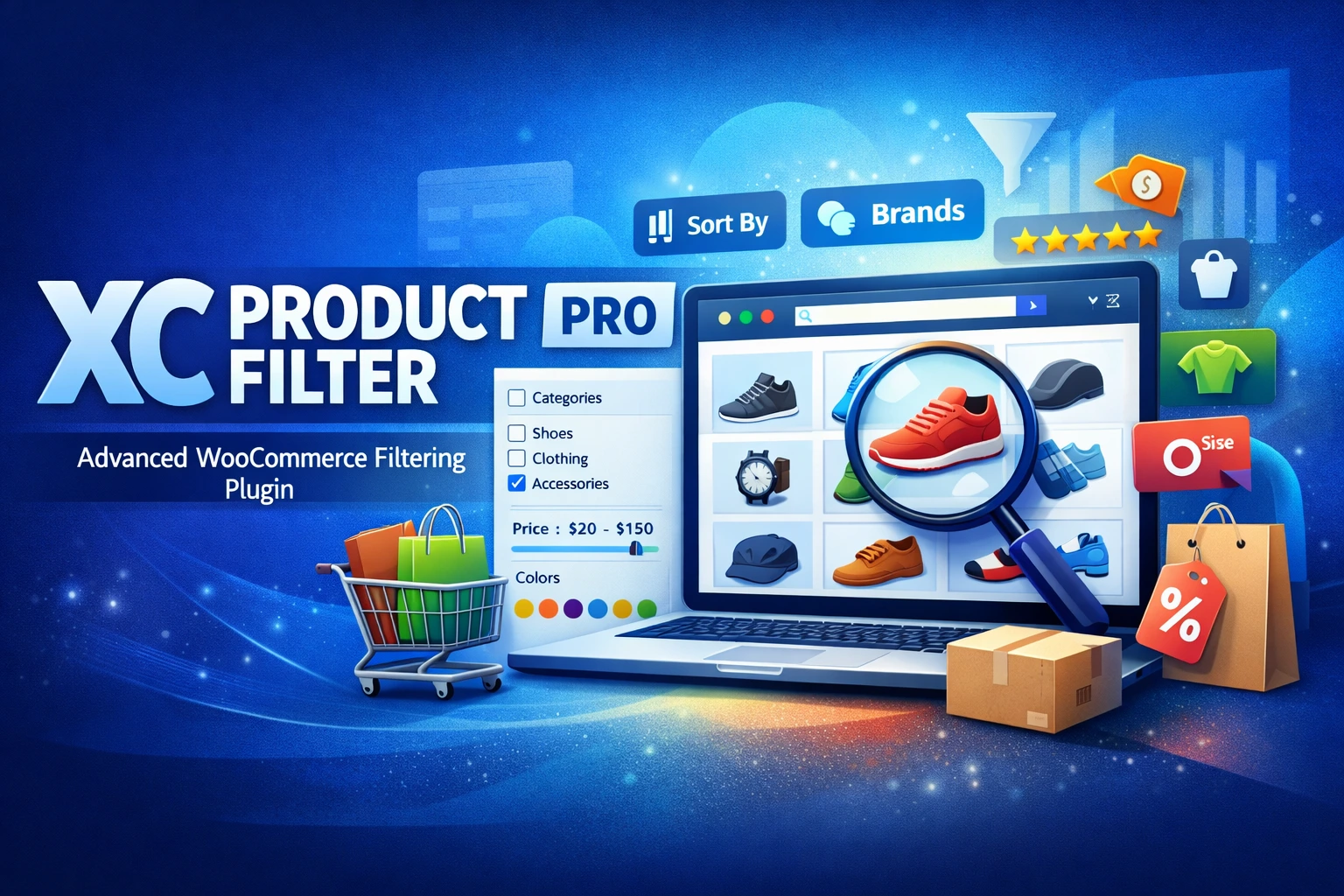
XC Product Filter Pro
Advanced product filtering for WooCommerce — real-time AJAX results, SEO-friendly clean URLs, a full SEO Rules engine, and a CSS inherit-theme system that adapts to any storefront design.
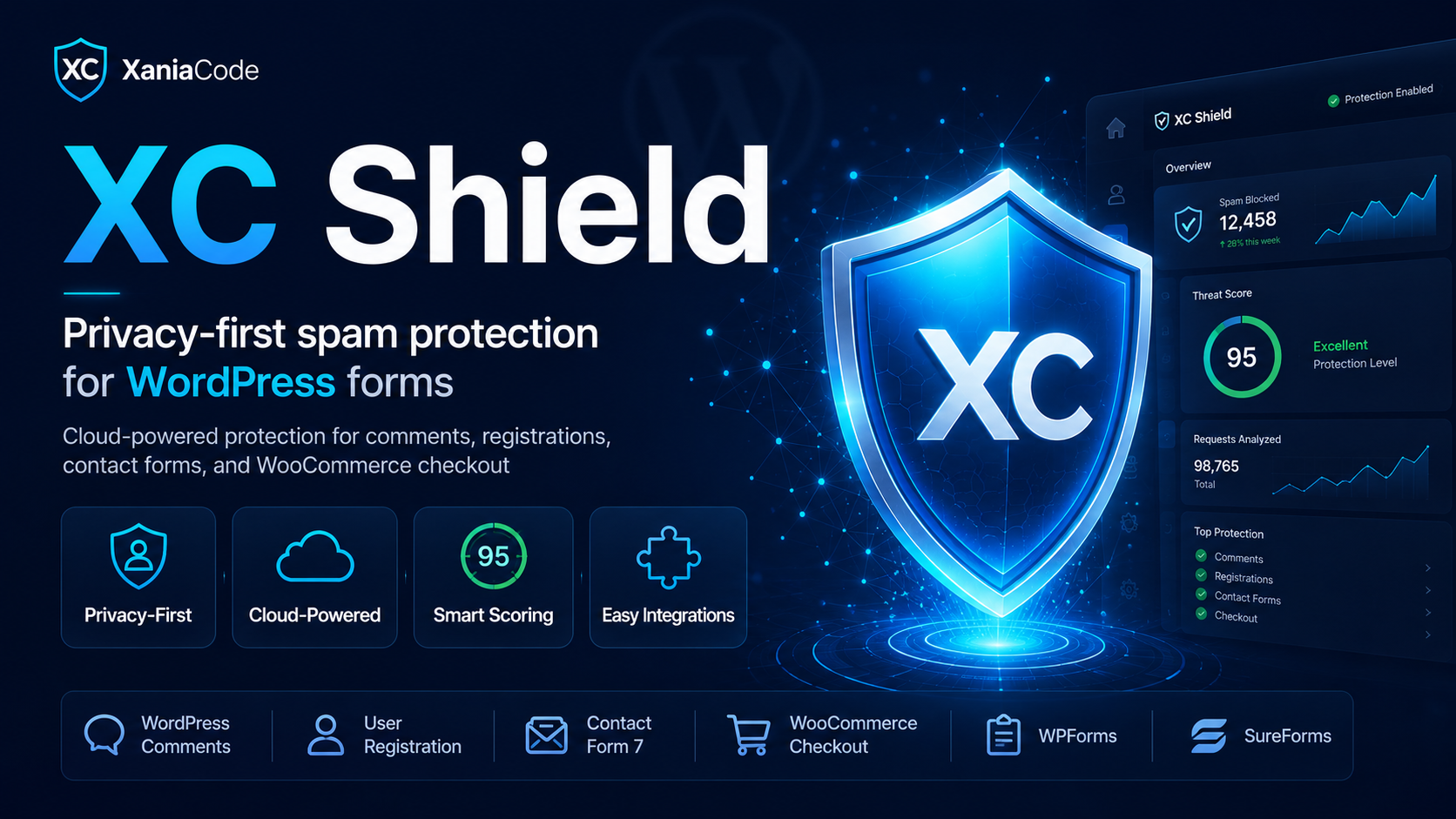
XC Shield
Privacy-first spam protection for WordPress forms — no Google, no reCAPTCHA, no tracking. XC Shield blocks bots and spam across comments, registrations, contact forms, and WooCommerce checkout using EU-hosted statistical analysis. Free, GDPR-compliant, set up in two minutes.

XC SEO Engine
AI-first premium SEO for WordPress. Schema.org @graph, llms.txt for AI chatbot discovery, per-post meta box, redirect manager, SEO health check. Optimized for Google, Bing, ChatGPT, Claude, Perplexity, and Gemini.
Message sent!
Ask about this product
Have a question about ? Send us a message and we'll reply within 24 hours.