XC Image Optimizer
Description
⚡ XC Image Optimizer — by XaniaCode
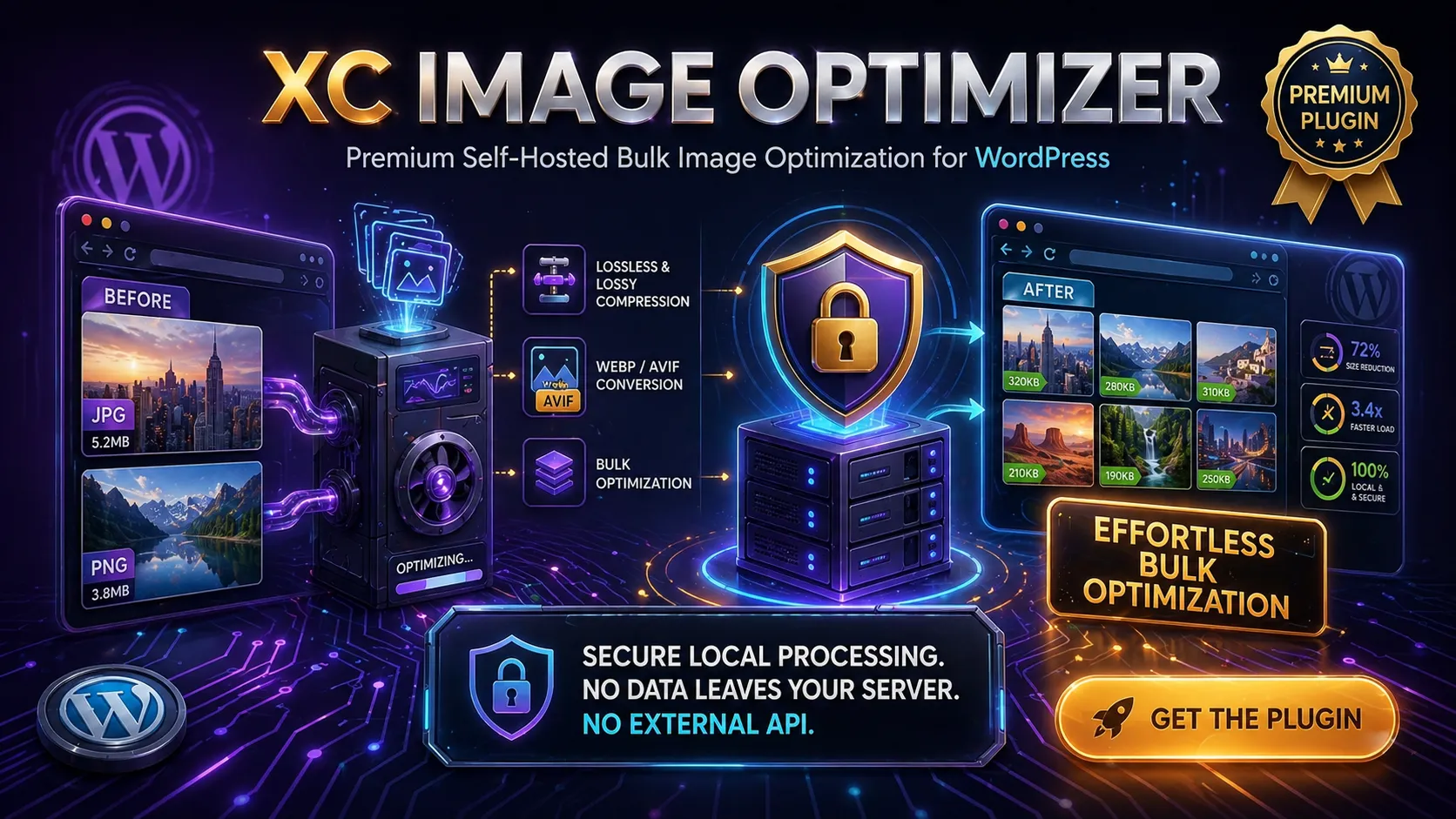
Premium self-hosted image compression, WebP/AVIF conversion, and bulk optimization for WordPress — zero external API, zero monthly fees, zero privacy trade-offs.
Every image you upload to WordPress costs your visitors load time and costs you bandwidth. XC Image Optimizer solves this entirely on your own server: compressing, converting, and serving next-gen formats automatically — with no cloud dependency, no per-image quota, and no subscription hidden behind a free tier.
One license. Unlimited images. Yours to run.
🏆 Why "Self-Hosted" Matters
Most image optimization plugins work by shipping your images to a third-party cloud service, charging per image or per month, and giving you zero control over what happens to your files in transit.
XC Image Optimizer is different. Every compression and conversion operation runs on your own PHP server using the image libraries you already have — Imagick or GD. Your images never leave your infrastructure, your costs don't scale with your library size, and you're never one pricing change away from losing the feature entirely.
✨ Core Features at a Glance
- 🔒 100% self-hosted — no external API calls, no cloud processing, no data leaving your server
- 🖼️ Lossless, balanced & aggressive compression modes for JPEG, PNG, GIF, and WebP
- 🔄 WebP & AVIF conversion with automatic next-gen image serving
- 📦 Bulk optimization with a persistent pause/resume queue and background cron processing
- 💾 Original backup & one-click restore for every image
- 📋 Media Library integration — per-image status column and inline optimize/restore buttons
- 🔌 Full REST API — 9 endpoints for headless and external automation
- 🖥️ WP-CLI support — run and automate everything from the command line
- 📊 Optimization dashboard with live stats, savings tracking, and a filterable log
- 📤 CSV export of the full optimization log
- 🔍 Server capability detector — know exactly what your host supports before you start
🗜️ Smart Image Compression
XC Image Optimizer's compressor is designed to produce the smallest possible file without touching what matters. You choose the strategy; the plugin handles the rest.
Three compression levels:
| Level | What It Does |
|---|---|
| Lossless | Structural compression only — JPEG at 95 quality, PNG at compression 1. Zero visual change, guaranteed. |
| Balanced (default) | The sweet spot. JPEG at your configured quality (default 82), PNG at compression 6. Typically 20–50% savings with no perceptible quality loss. |
| Aggressive | Maximum reduction. Quality is reduced by an additional 15 points below your baseline. Ideal for archive images or thumbnails where file size matters more than perfect fidelity. |
Additional compression controls:
- JPEG progressive encoding — images load top-to-bottom as they stream, improving perceived load time
- Metadata stripping — removes EXIF, GPS, colour profiles, and camera data (configurable)
- Max width / height cap — automatically downscale oversized images on upload (default: 2560×2560px) using Lanczos resampling for maximum quality
- Minimum file size skip — ignore files already under a configurable threshold (default: 10 KB) to avoid processing tiny icons
- Animated GIF protection — automatically detect and skip animated GIFs to prevent breaking animations
- Intelligent rollback — if the compressed output is larger than the original (which occasionally happens with already-optimised images), the plugin automatically restores the original. No silent file size increases, ever.
- Skip specific sizes — exclude named WordPress image sizes (e.g.
thumbnail,medium) from bulk processing
Supports Imagick (preferred for its superior quality and full format coverage) and GD (universal fallback), with automatic library detection and a manual override preference setting.
🔄 WebP & AVIF Conversion
Next-gen formats are the single most impactful optimisation you can make for images today. AVIF can be 50% smaller than JPEG at equivalent quality; WebP is 25–35% smaller. XC Image Optimizer handles both, entirely on your server.
Conversion features:
- WebP conversion — using Imagick's
method 6+auto-filterfor maximum compression efficiency, or GD'simagewebp() - AVIF conversion — using Imagick with HEIF speed tuning, or GD's
imageavif()(PHP 8.1+) - Independent quality settings — WebP quality default 82, AVIF quality default 60 (AVIF achieves equivalent visual quality at lower numbers)
- Automatic next-gen serving — WordPress serves the converted file wherever a matching next-gen version exists, with no
.htaccessrules required - Keep original after conversion — originals are retained by default so you can always roll back; disable this to free disk space immediately
- Convert on upload — optionally auto-convert every new upload the moment it lands in your Media Library
Before converting, the plugin queries your server's actual capabilities — it checks Imagick's registered format list and the GD extension's available functions, so it never attempts a conversion your server cannot perform.
📦 Bulk Optimization & Background Queue
Optimizing an existing library of thousands of images without crashing the server is the hardest part of image optimisation — and the part most plugins get wrong. XC Image Optimizer's queue system was built specifically for reliability.
Three bulk modes:
- Compress only — run compression across all unoptimised images
- Convert only — convert all images to your chosen next-gen format
- Both — compress first, then convert, in a single pass per image
How the queue works:
The queue persists its state in the WordPress options table, which means it survives page reloads, browser closures, and PHP timeouts. Each tick processes a configurable batch (default: 5 images at a time), then yields — giving the server time to breathe. A built-in transient lock prevents two processes from running the same batch simultaneously.
A WP-Cron fallback runs every minute in the background: if the browser-based queue is running and the browser loses connectivity, the cron job picks up exactly where it left off.
Queue controls:
- ▶️ Start — begins a new bulk run across all pending images
- ⏸️ Pause — freezes the queue mid-run; state is fully preserved
- ▶️ Resume — continues from the exact offset where it paused
- 🔄 Reset — clears all optimization metadata and the log table, allowing a full re-run
Configurable bulk settings:
| Setting | Range | Default |
|---|---|---|
| Batch size | 1–20 images | 5 |
| Delay between batches | 0–5,000 ms | 500 ms |
All sizes of each attachment (original + every registered WordPress thumbnail size) are processed in a single pass per image.
💾 Backup & Restore
XC Image Optimizer stores backups as .iop-backup sidecar files alongside the original. Backups are created once, before the first optimization, and are never overwritten. This means you can re-optimize with different settings at any time and always restore the true original.
Restore options:
- Per-image restore — from the Media Library column, the attachment meta box, or the admin Tools page
- Bulk restore via CLI —
wp iop restore 123 456 789 - REST API restore —
POST /wp-json/iop/v1/restore/{id}
Restoring an image removes its compression and conversion metadata, allowing it to be re-queued in the next bulk run.
🖼️ Media Library Integration
XC Image Optimizer extends the WordPress Media Library with a dedicated Optimization Status column visible in list view. At a glance you can see:
- Whether each image has been compressed and/or converted
- How many bytes were saved and the percentage reduction
- Quick-action buttons to optimize or restore individual images inline
Each attachment edit screen also gains an Image Optimizer meta box with current optimization data, a one-click optimize button, and a one-click restore button — no need to visit the bulk screen for single-image work.
📊 Dashboard & Log
The plugin's Dashboard page gives you a live overview of your entire library:
- Total images in the Media Library
- Number optimized vs. pending
- Total bytes saved and savings as a percentage of original size
- Total number of log records
The Optimization Log is stored in a dedicated wp_iop_log database table with full details for every operation: attachment ID, file path, original size, optimized size, bytes saved, saving percentage, source format, target format, status, any error message, and timestamp. The log is filterable by status and exportable as a CSV file for offline analysis or reporting.
🔌 REST API
All plugin functionality is exposed as a clean REST API under /wp-json/iop/v1/, authenticated with manage_options capability. This makes XC Image Optimizer fully scriptable from any external system, CI pipeline, or headless WordPress setup.
| Method | Endpoint | Description |
|---|---|---|
GET | /iop/v1/stats | Global optimization statistics |
GET | /iop/v1/pending | Count and sample IDs of unoptimized images |
POST | /iop/v1/batch | Process a batch (offset + mode params) |
POST | /iop/v1/optimize/{id} | Optimize a single attachment |
POST | /iop/v1/restore/{id} | Restore original for a single attachment |
GET | /iop/v1/settings | Retrieve current settings |
PATCH | /iop/v1/settings | Update settings |
GET | /iop/v1/log | Paginated optimization log (filterable by status) |
DELETE | /iop/v1/reset | Clear all optimization data |
🖥️ WP-CLI Support
Developers and site managers can automate everything from the terminal using the wp iop command group.
# View optimization stats
wp iop stats

# Optimize all pending images (compress only)
wp iop optimize

# Optimize with both compression and conversion
wp iop optimize --mode=both

# Optimize specific attachments only
wp iop optimize 123 456 789

# Preview what would be optimized without making changes
wp iop optimize --dry-run

# Restore original files for specific attachments
wp iop restore 123 456

# Reset all optimization data (with confirmation prompt)
wp iop reset

# Bypass the confirmation prompt
wp iop reset --yes

# Check server capabilities
wp iop check
The check command outputs a formatted table of every relevant server capability — Imagick version, ImageMagick library version, GD WebP/AVIF support, PHP version, SAPI, max_execution_time, and memory_limit — so you can diagnose environment issues before running a bulk job.
The optimize command renders a real-time progress bar and prints a final summary of succeeded / failed / bytes saved.
🔍 Server Capability Detection
Before you run a single optimization, XC Image Optimizer tells you exactly what your server can and cannot do:
- Imagick — installed / not installed, extension version, ImageMagick library version string, full list of supported formats
- Imagick WebP — whether WEBP is in the registered formats list
- Imagick AVIF — whether AVIF is in the registered formats list
- GD — installed / not installed
- GD WebP — whether
imagewebp()is available - GD AVIF — whether
imageavif()is available (PHP 8.1+) - PHP version, SAPI,
max_execution_time,memory_limit
This information is surfaced in the admin Tools page and in the wp iop check CLI command.
⚙️ Complete Settings Reference
| Setting | Options | Default |
|---|---|---|
| Compress on upload | on / off | On |
| Compression quality | 1–100 | 82 |
| Compression level | lossless / balanced / aggressive | Balanced |
| Keep original backup | on / off | On |
| Max width | px (0 = no limit) | 2560 |
| Max height | px (0 = no limit) | 2560 |
| Strip metadata | on / off | On |
| Convert on upload | on / off | Off |
| Conversion format | webp / avif | WebP |
| WebP quality | 1–100 | 82 |
| AVIF quality | 1–100 | 60 |
| Serve next-gen images | on / off | On |
| Keep original after convert | on / off | On |
| Bulk batch size | 1–20 | 5 |
| Bulk delay | 0–5000 ms | 500 ms |
| Skip animated GIFs | on / off | On |
| Skip files smaller than | KB | 10 KB |
| Skip specific sizes | array of size names | None |
| Preferred library | auto / imagick / gd | Auto |
🔄 Automatic Updates
Licensed users receive plugin updates automatically through the standard WordPress admin update system. Updates are delivered from the XaniaCode update server — no manual downloads, no FTP, no version chasing.
A 14-day free trial is included. Activate your license key under Image Optimizer → 🔑 License to unlock all features and enable automatic updates.
⚙️ Technical Specifications
| Requirement | Value |
|---|---|
| WordPress | 5.6 or higher |
| PHP | 7.4 or higher |
| Image library | GD or Imagick (one required) |
| Tested up to | WordPress 6.7 |
| License | Commercial (per-site) |
| Author | XaniaCode |
| Plugin URL | xaniacode.com/products/image-optimizer-pro |
💡 Who Is It For?
- Any WordPress site with a media library that hasn't been optimized — every image saved counts
- WooCommerce stores where product image load time directly impacts conversion rates
- Photographers and portfolio sites carrying large, high-resolution images
- News and media publishers uploading dozens of images per day
- Agencies managing multiple client sites who need a reliable, license-based tool with no recurring per-image costs
- Developers and DevOps teams who want REST API and WP-CLI access to integrate optimization into deployment pipelines
- Privacy-conscious site owners who can't or won't send images to third-party cloud services
Changelog
First public release of XC Image Optimizer — a self-hosted compression, WebP/AVIF conversion, and bulk optimization plugin for WordPress. No external API required; all processing runs via Imagick or GD on your own server.
Core Plugin & Architecture
- Plugin bootstrap with IOP_VERSION, IOP_FILE, IOP_PATH constants
- Singleton IOP_Plugin class wiring all components together
- Activation hook creates iop_log table via dbDelta()
- Version-gated migration runner on plugins_loaded
Image Compression
- Three quality modes — Lossless, Balanced, and Aggressive — with configurable JPEG quality
- Automatic resize to max width/height during compression
- EXIF/metadata stripping for smaller files and better privacy
- Backup creation before overwriting originals; restore available at any time
- Smart size guard — original is kept if compressed output is larger
- Skip rules: animated GIFs, files below configurable minimum size
WebP & AVIF Conversion
- JPEG, PNG, and GIF conversion to WebP or AVIF
- Same-format detection prevents redundant conversions
- Size rollback — converted file is discarded if larger than the original
- Automatic next-gen serving via wp_get_attachment_url and srcset rewriting
- URL↔path resolution compatible with CDNs, multisite, and mixed HTTP/HTTPS
Bulk Optimization
- Background queue with pause, resume, and real-time progress tracking
- WP-Cron fallback (every-minute interval) for headless processing
- Concurrency lock to prevent duplicate runs
- Configurable batch size (1–20) and inter-batch delay
- Three modes — Compress, Convert, or Both
- Skip-sizes list to exclude specific WordPress image sizes
Per-Image Optimization
- Media Library column with optimization status, savings badge, and one-click trigger
- Attachment meta box with per-size file sizes, backup status, and action buttons
- Buttons shown only for operations supported by the server
REST API
- Nine endpoints under /wp-json/iop/v1/ — stats, pending, batch, optimize, restore,
- settings GET/PUT, log, and reset
- All endpoints require manage_options capability
- Partial JSON payloads on settings PUT — untouched keys are never reset to defaults
WP-CLI
- wp iop stats, check, optimize, restore, and reset commands
- --mode flag, --dry-run preview, and direct attachment ID targeting
Admin & Tools
- Dashboard with global stats and savings overview
- Settings page with compression, conversion, bulk, and skip-size options
- Bulk Optimize page with real-time queue progress
- Backup Manager — view count and disk usage; bulk-delete .iop-backup files
- Optimization Log with CSV export
- Test Single Image tool and copyable System Information diagnostic block
- Nonce + manage_options capability verified on every AJAX and REST endpoint
- Restore and backup deletion always available regardless of plugin state
- All image library calls wrapped in Throwable catch to prevent fatal errors from Imagick/GD edge cases
Reviews
No reviews yet. Be the first to review this product!
XC Image Optimizer
Related Products

XC Product Filter Pro
Advanced product filtering for WooCommerce — real-time AJAX results, SEO-friendly clean URLs, a full SEO Rules engine, and a CSS inherit-theme system that adapts to any storefront design.
XC Shield
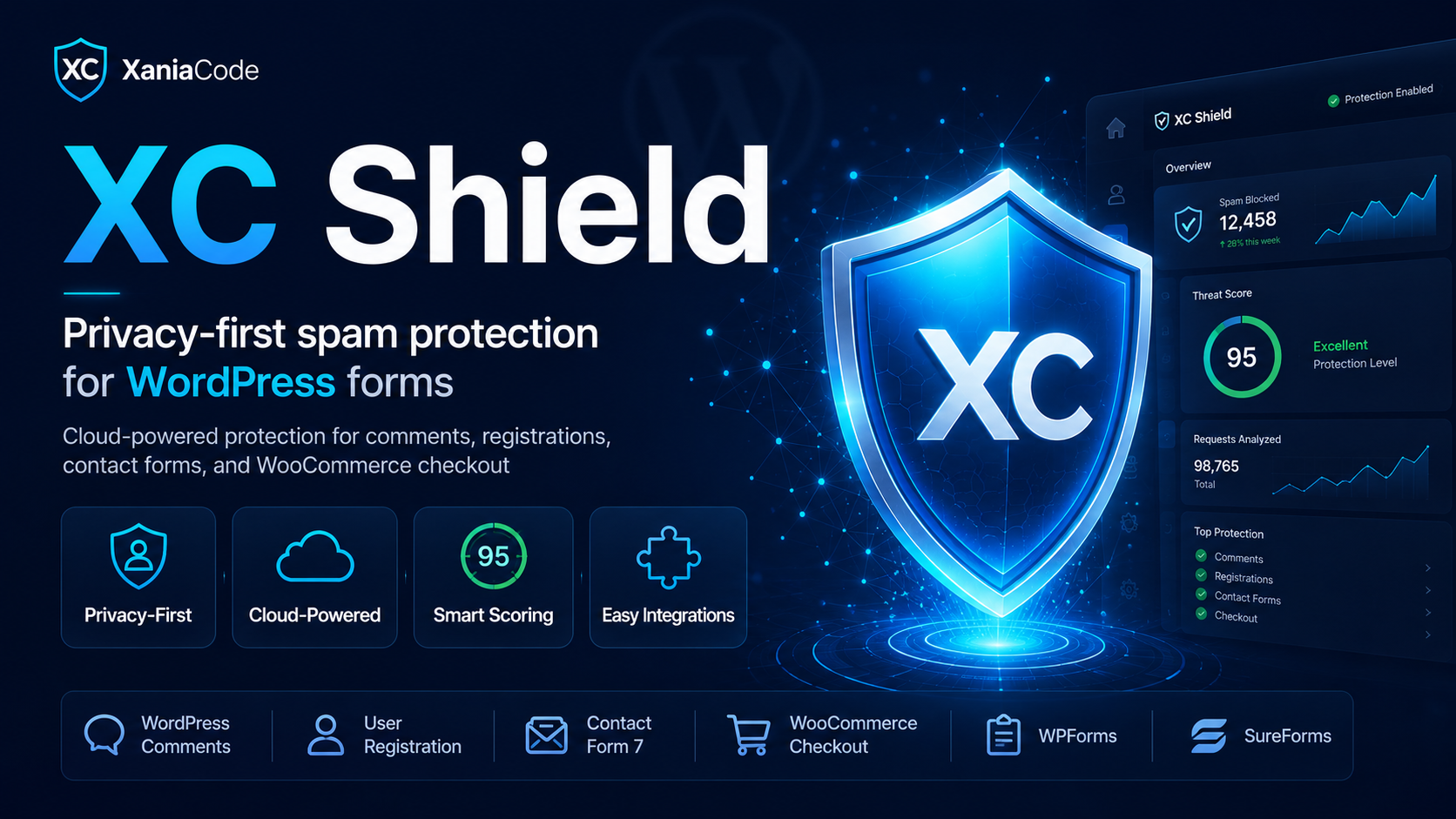
Privacy-first spam protection for WordPress forms — no Google, no reCAPTCHA, no tracking. XC Shield blocks bots and spam across comments, registrations, contact forms, and WooCommerce checkout using EU-hosted statistical analysis. Free, GDPR-compliant, set up in two minutes.

XC SEO Engine
AI-first premium SEO for WordPress. Schema.org @graph, llms.txt for AI chatbot discovery, per-post meta box, redirect manager, SEO health check. Optimized for Google, Bing, ChatGPT, Claude, Perplexity, and Gemini.
Message sent!
Ask about this product
Have a question about ? Send us a message and we'll reply within 24 hours.